Returning Fall Sale consignors interested in participating in the Spring Sale may now register.
Our Spring Sale (April 16-19) is now active! If you would like to participate, you can keep the same consignor number you used for the Fall Sale.
Follow these simple steps to register for the Spring Sale:
Log into your consignor account
Click “Register Me for the Upcoming Sale”
Confirm your information
Sign the Seller Agreement
After completing these steps, click Continue, and you’ll be taken back to your Consignor Homepage — now registered for the Spring Sale.
All of your Fall Sale inventory has automatically moved into your Inactive Inventory for the Spring Sale. You can easily activate any items you plan to bring by following these steps:
Click Active Inventory Status
Click Inactive Inventory
Select the items you want to bring to the Spring Sale
Click Activate Selected Items
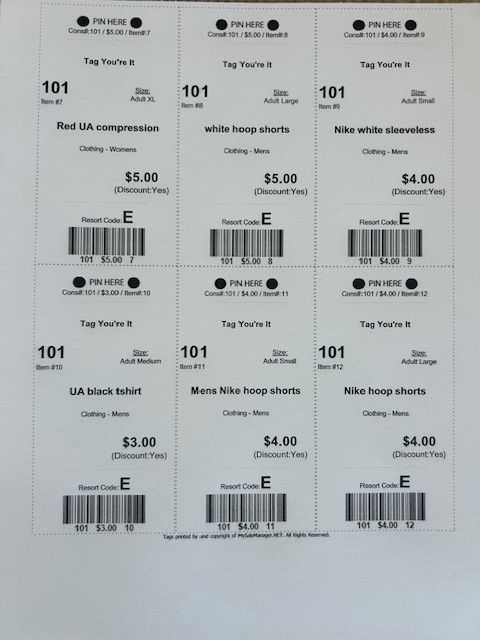
Once activated, those items are ready to go — you do NOT need to re-tag them. Simply bring them with the tags attached from the last sale. You can also begin tagging any new items you’d like to include in the Spring Sale.